Digital Design Tools
A number of online digital design tools were developed for this course. This page allows you to explore those tools without logging in. If you log in these same tools are used for assignments under lessons.
- Interactive Slide Rule (opens in new tab)
- Online Pilot Wind Correction Calculator (E6B) (opens in new tab)
- Logical Truth Table Practice (opens in new tab)
- Number conversion Practice - The Nixie Challenge (opens in new tab)
- CMOS Gate Builder (opens in new tab)
- Mistic VLSI Layout Tool (inspired by the Magic VLSI Layout Tool (opens in new tab))
- Digital Logic Builder (opens in new tab)
- An ASCII chart (opens in new tab)
- A CDC6504 Microprocessor Emulator (opens in new tab) (Documentation (opens in new tab))
- WASM Playground (opens in new tab)
Most of these tools were developed with extensive use of Cursor.AI (opens in new tab). It was a great study of both the impressive capabilities and unfortunate limitations of AI. I would say 80% impressive / 20% disappointing - but things got better as 2025 progressed.
A Challenge for You
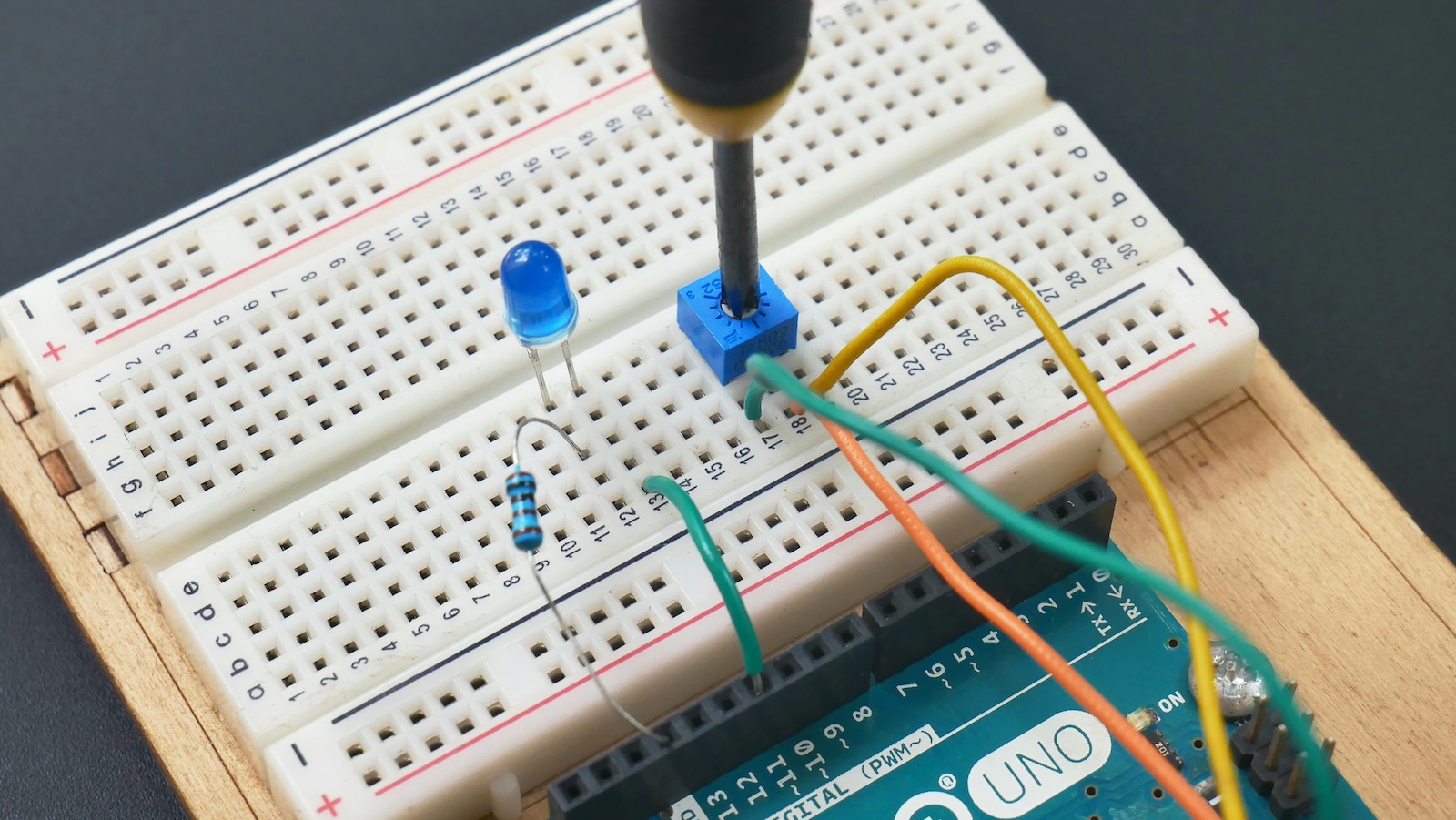
One tool I really wanted to use early in the course was a breadboard emulation. I used AI to build a beautiful and functional UI, and it actually worked quite well for single components. Check out how it lights up the pins with their voltages 🙂 Unfortunately, once the circuits became more complex, the circuit emulation was never reliable.
I think the core problem is that the simulation needs to be analog and allowed to settle. A common quick-and-dirty approach is to repeatedly recompute voltages (perhaps 100 times), letting them converge and then stopping when things are “close enough.” Trust me — I tried that a LOT, and it was never successful.
I’ll be honest: part of the problem is that I dropped out of Electrical Engineering shortly after I almost learned Mesh Analysis (opens in new tab) and Nodal Analysis (opens in new tab). I knew enough to know just how hard this problem really is. After spending 40+ hours begging AI to solve it — and watching it fail repeatedly — I finally decided to build the circuit emulation by hand when I had 40 hours of my own to spend on it. For the record, AI knows a LOT about mesh and nodal analysis; it just can’t seem to write working code to implement them, no matter how carefully I prompt it. By the way - I think Nodal analysis will win the day in these circuits.
I also attempted to build another version that would let me explore the nature of transistor-based amplification. This involved analog computing with voltages changing over time. I got a prettty cool UI pretty quickly with AI - but when it came to circuit emulation - AI was so lost that I gave up quickly.
One theory I have is wat about a year for AI to get smarter and then try it again :)
So here’s your challenge: check out the CA4E GitHub repository (opens in new tab) and fix one (or both) of these tools. Breadboard is more useful to me pedagogically, is closer to being complete, and is frankly easier than Analog. If you fix Breadboard, send me a PR — and then I’ll have to redo the course materials 🙂 Thanks in advance.
Copyright
If you want to use these Creative Commons Licensed materials in your own classes you can download or link to the artifacts on this site, export the course material as an IMS Common Cartridge®, or apply for an IMS Learning Tools Interoperability® (LTI®) key and secret to launch the autograders from your LMS.Copyright
The material produced specifically for this site is by Charles Severance and others and is Copyright Creative Commons Attribution 3.0 unless otherwise indicated.
Copyright Creative Commons Attribution 3.0 - Charles R. Severance